
Here is how to install Chameleon Hat Content Management System
1-Files installation
First of all you need to download the CMS files. Then extract the folder hat-cms and upload it as it is to your root folder on your domain.
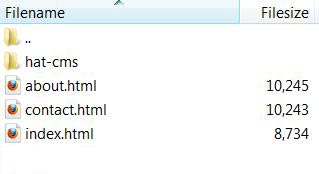
2-Database
Now you need to create a database in MySQL. You can use any name you like. In my example I am using the name cms.
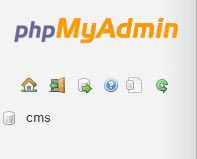
3-System installation
Now you can connect to the system by typing the url of your domain followed by the folder name you installed.
Example: http://www.yourdomain.com/hat-cms
You are now looking at the welcome page which invites you to either install the system or find out more about this CMS.
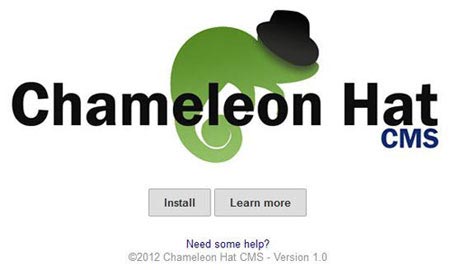
When clicking the button to install a form will be presented to you. This is where you need to enter the information of the database you have previously created. Click "Next" when you are done.
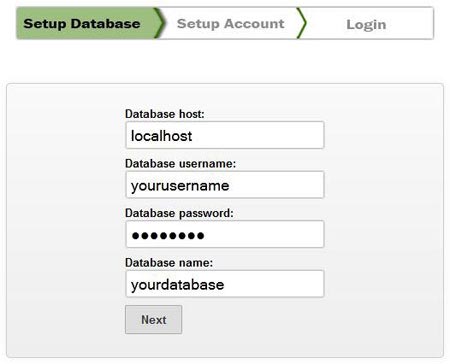
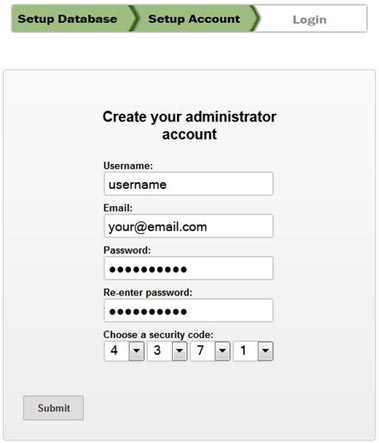
This is where an account to access the system has to be created. You can notice that you are asked to choose a "security code". This is a 4 digits code to increase security. Make sure you don't forget it as you will be asked for it every time you login.
If everything goes well, you should see the login page at this stage. You can now use the username, password and security code to access the system tools.
Enjoy